Sera
Cloud storage for creative professionals
Live at usesera.io.
What Sera is.
Files too big for everything else go up whole, and preview in place. Share links expire, and deleted files can be restored.
Sera is cloud storage for people who work with large files. You make an account on the web, put what you make into folders, and search across all of it. Images, PDFs, video and audio open in the browser instead of downloading first, and a file you delete waits in the trash until you restore it or clear it.
We built it, and it runs: the web application, the share links, the accounts, and the Mac and iPhone clients that open the same library. Everything below is the live product at usesera.io, captured signed out.
The way in.
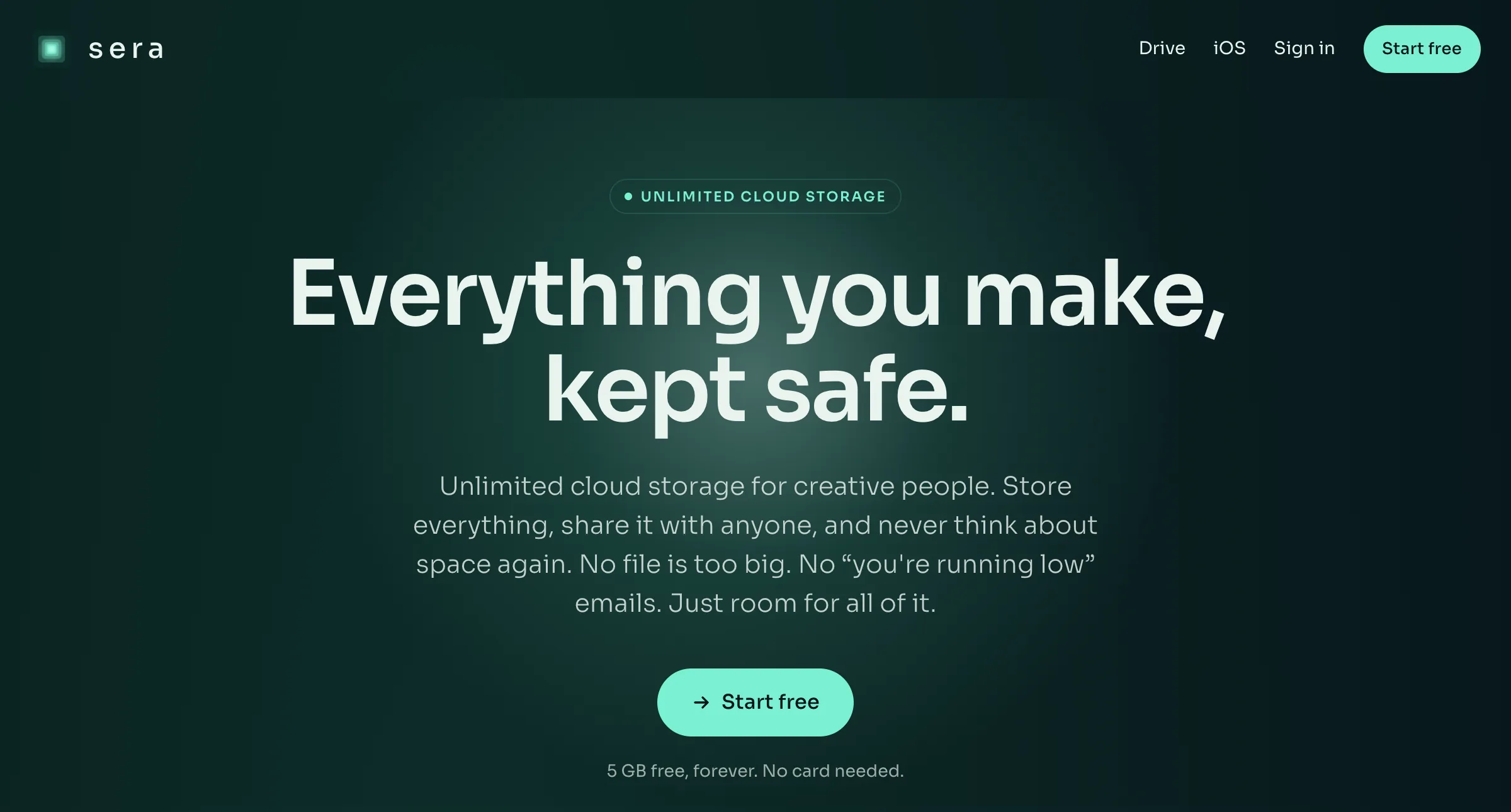
The public page carries the wordmark, a line saying what Sera is, and one control that starts an account. The rest of the product sits behind it.
What it does.
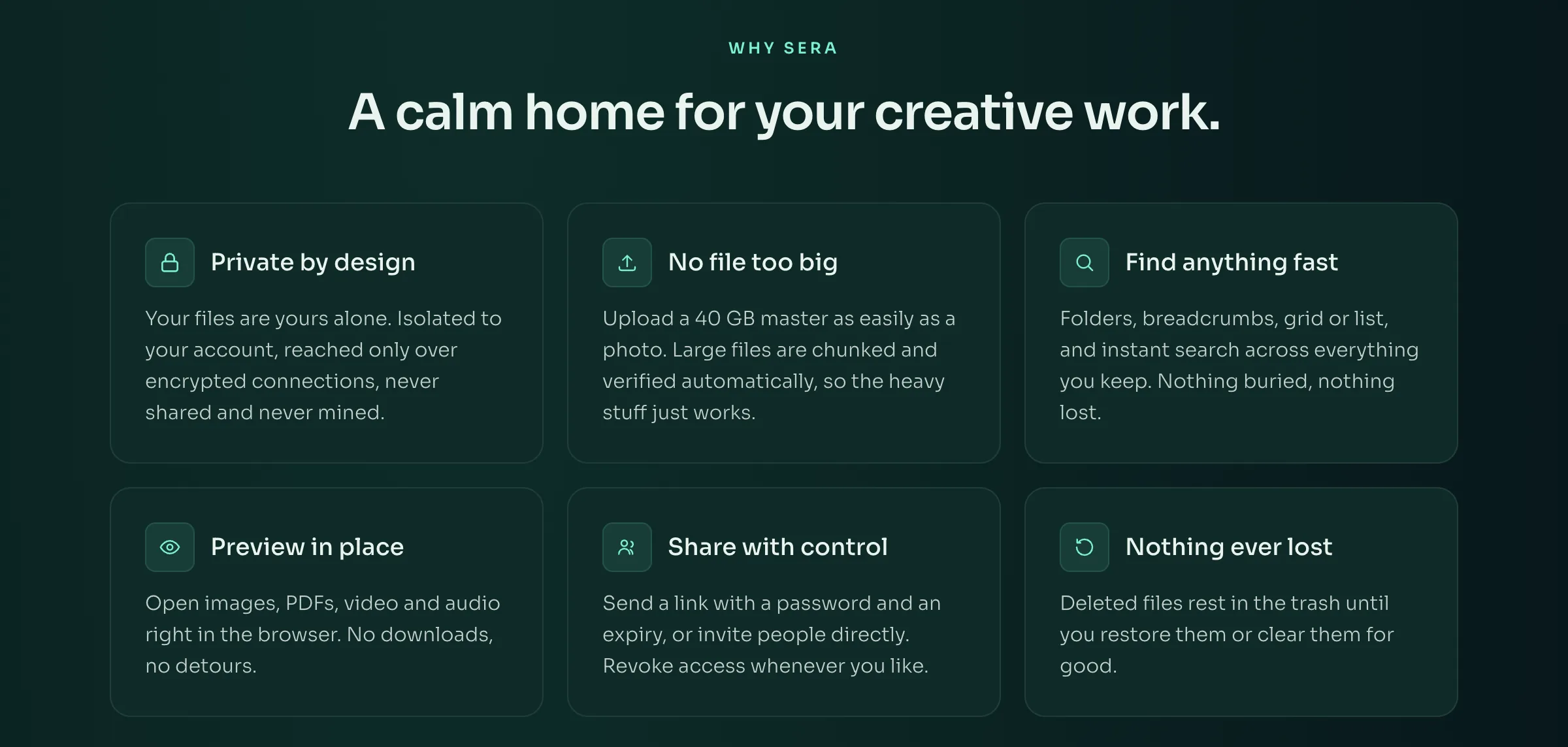
The product page sets out what the software does and nothing else: files kept to your own account and reached over encrypted connections, large uploads broken into parts and checked, search across everything you keep, preview in the browser, links that carry a password and an expiry, and a trash you can restore from.
Browse, preview, share.
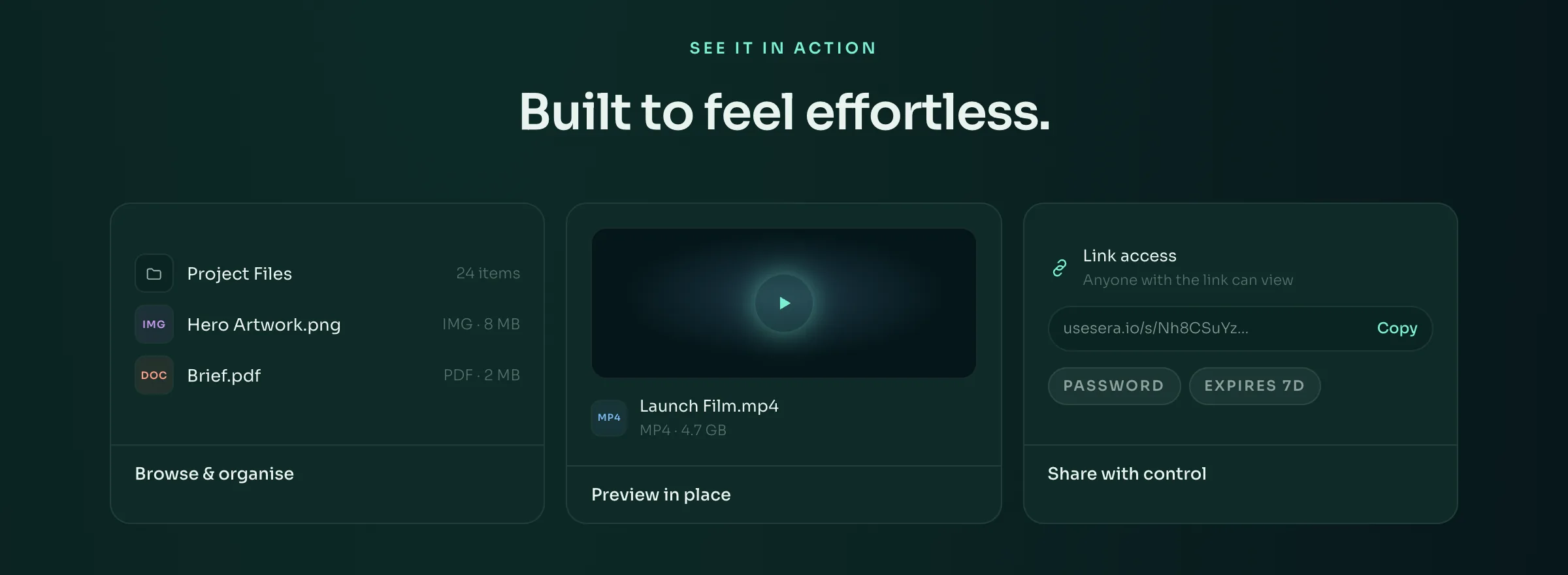
Three panels on the same page show the shape of the application: a folder listed with its contents, a video opening in place rather than downloading, and a share link with a password and an expiry on it, ready to copy.
Editing straight off the cloud.
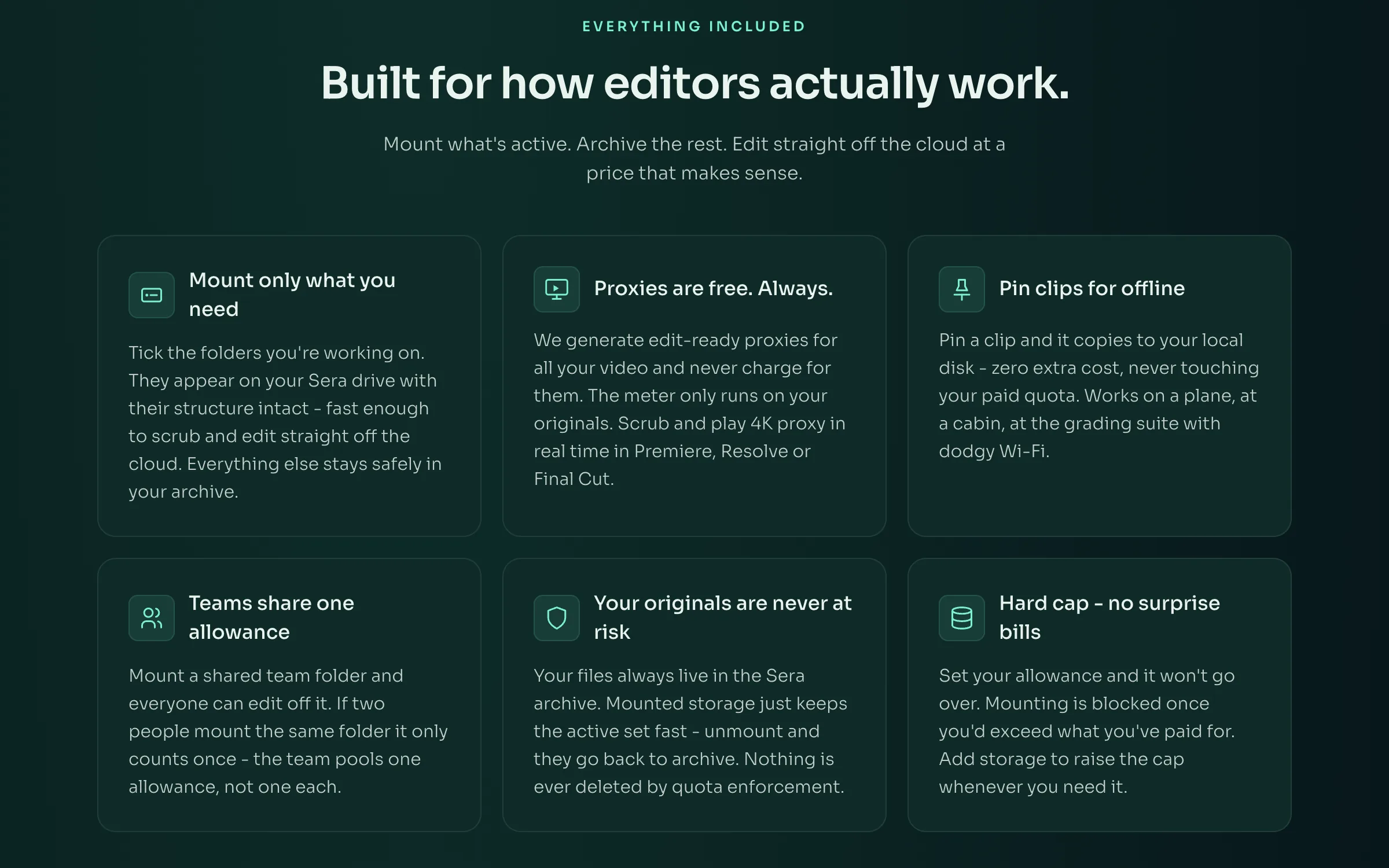
Sera Drive has a page of its own. Tick the folders you are working on and they mount as a drive with their structure intact, so an editor opens a timeline off them. Proxies are made for your video and are not metered, a clip can be pinned to the local disk, a team shares one allowance rather than one each, and the originals stay in the archive.
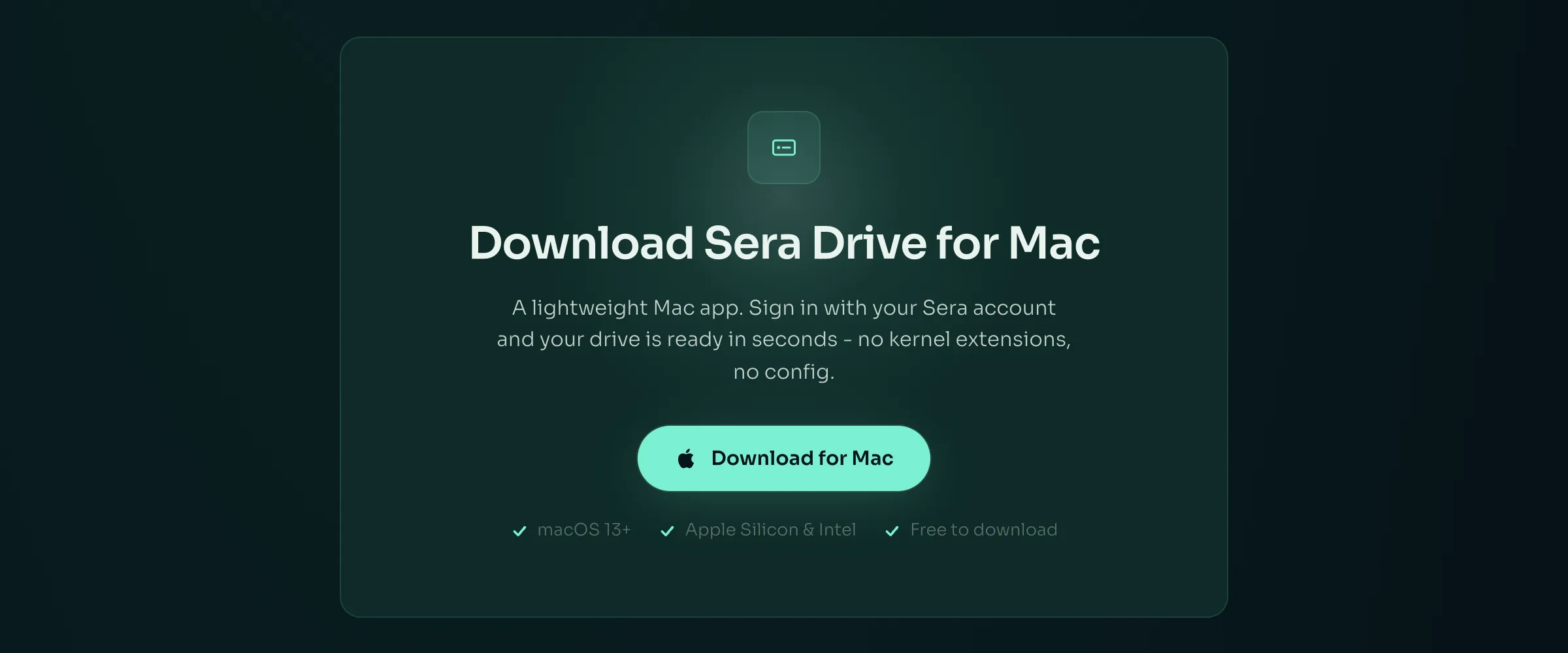
A Mac app to mount it.
The drive is a Mac application, downloaded from the same page. You sign in with the Sera account you already have and the folders you ticked appear. There are no kernel extensions and nothing to configure.
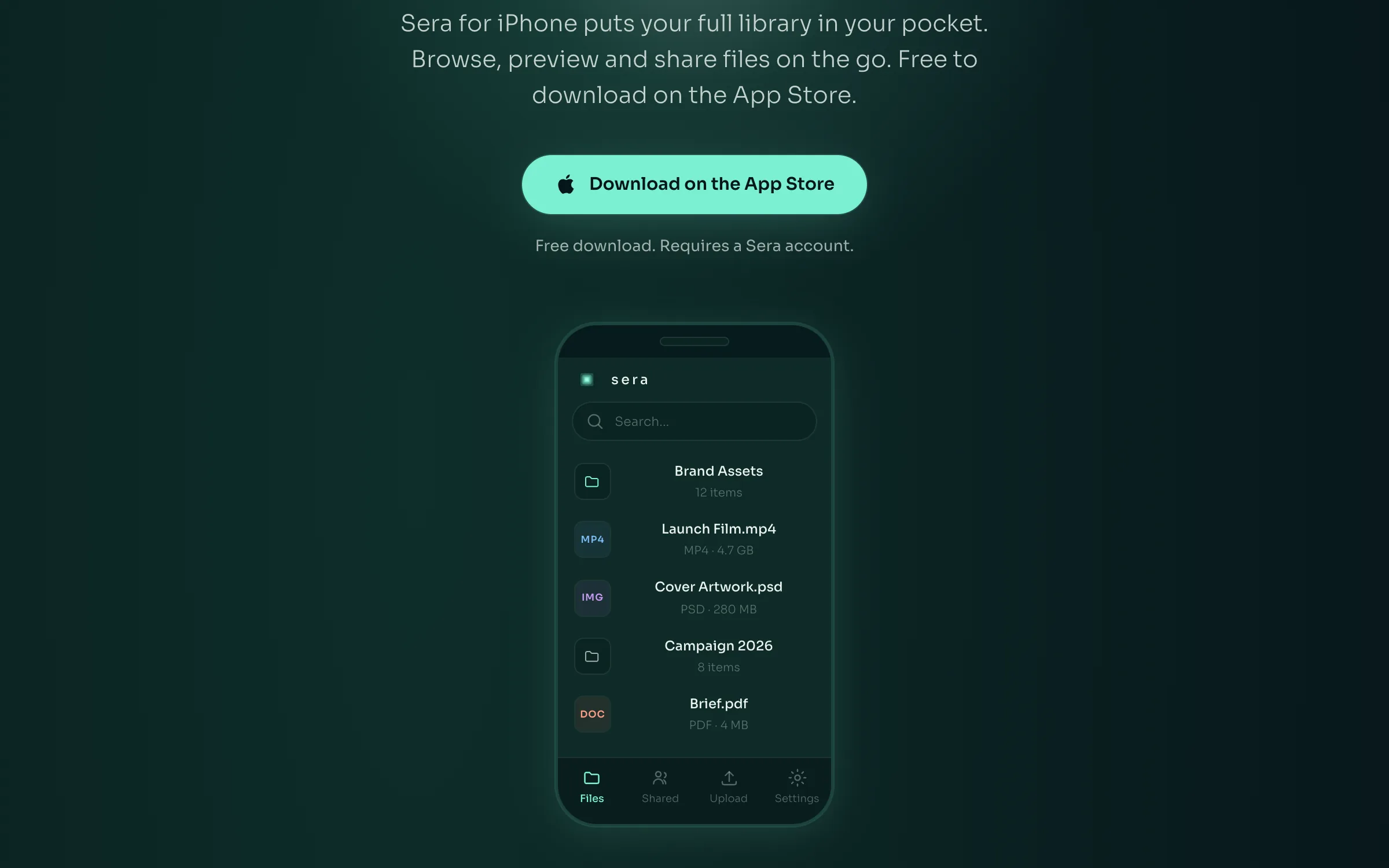
The same library on a phone.
Sera for iPhone is on the App Store and opens the same library. Its page shows the file list as it appears on a phone, with folders and files named beside their type and size, and a bar along the bottom for files, shared, upload and settings.
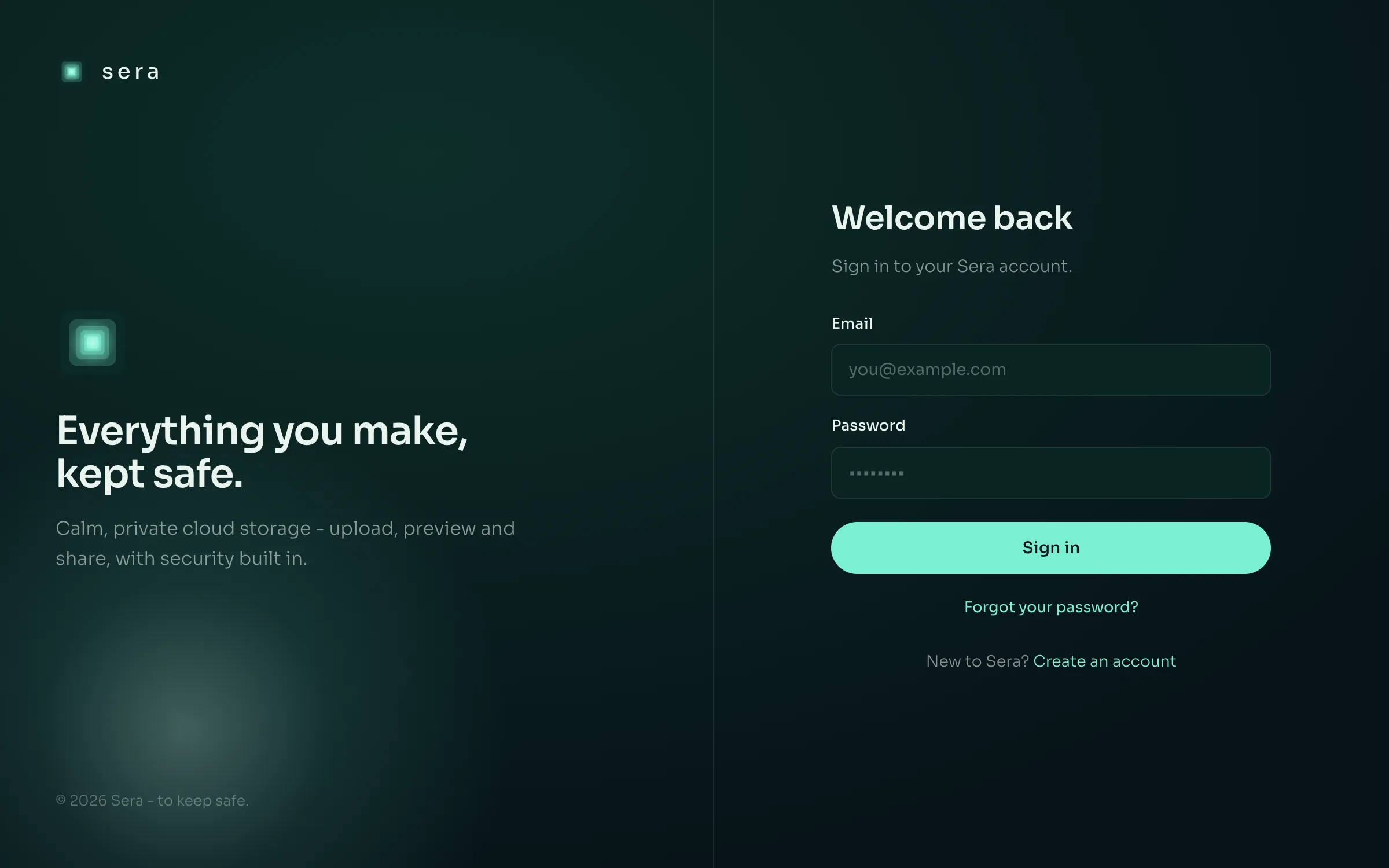
One account, one door.
Everything past the public pages is signed in. Ask for any of it without an account and you arrive here, with a password reset beside the form and a way to make an account from the same screen.
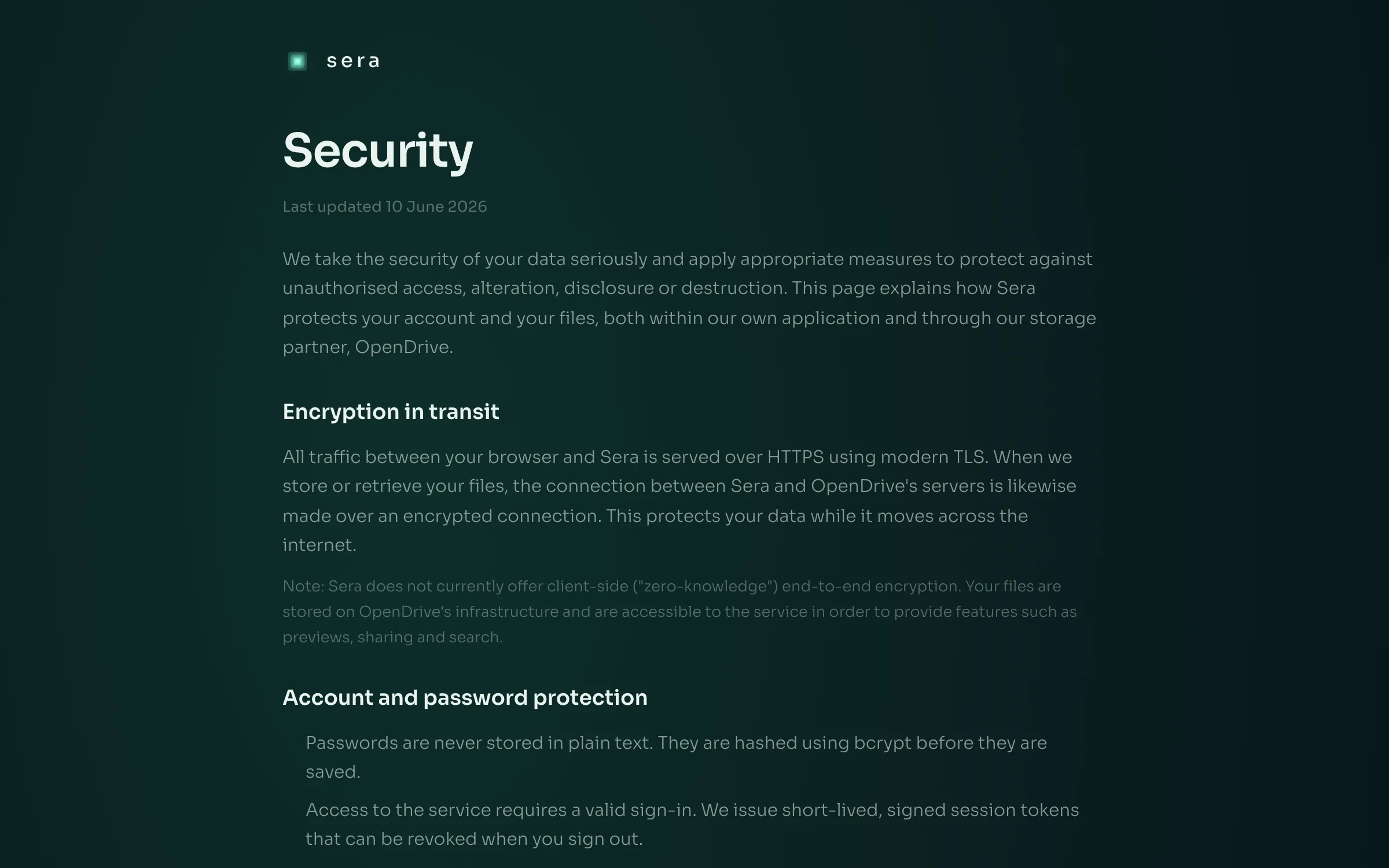
What it says about your files.
A page of its own sets out how the product handles data: connections encrypted in transit, passwords hashed rather than kept, sessions that are short lived and can be revoked, and where the files actually sit. It is as plain about what the product does not do.
Every screen here is what Sera shows the public. The file browser, an upload running, a share link being made and the drive application's own window all sit behind an account, so none of them is on this page.
Start with what is slow.
Thirty minutes, no charge, with the people who would build it.
Book a callBring the problem rather than a specification. If it is not work we should take on, we will say so on the call, and there is nothing to prepare.